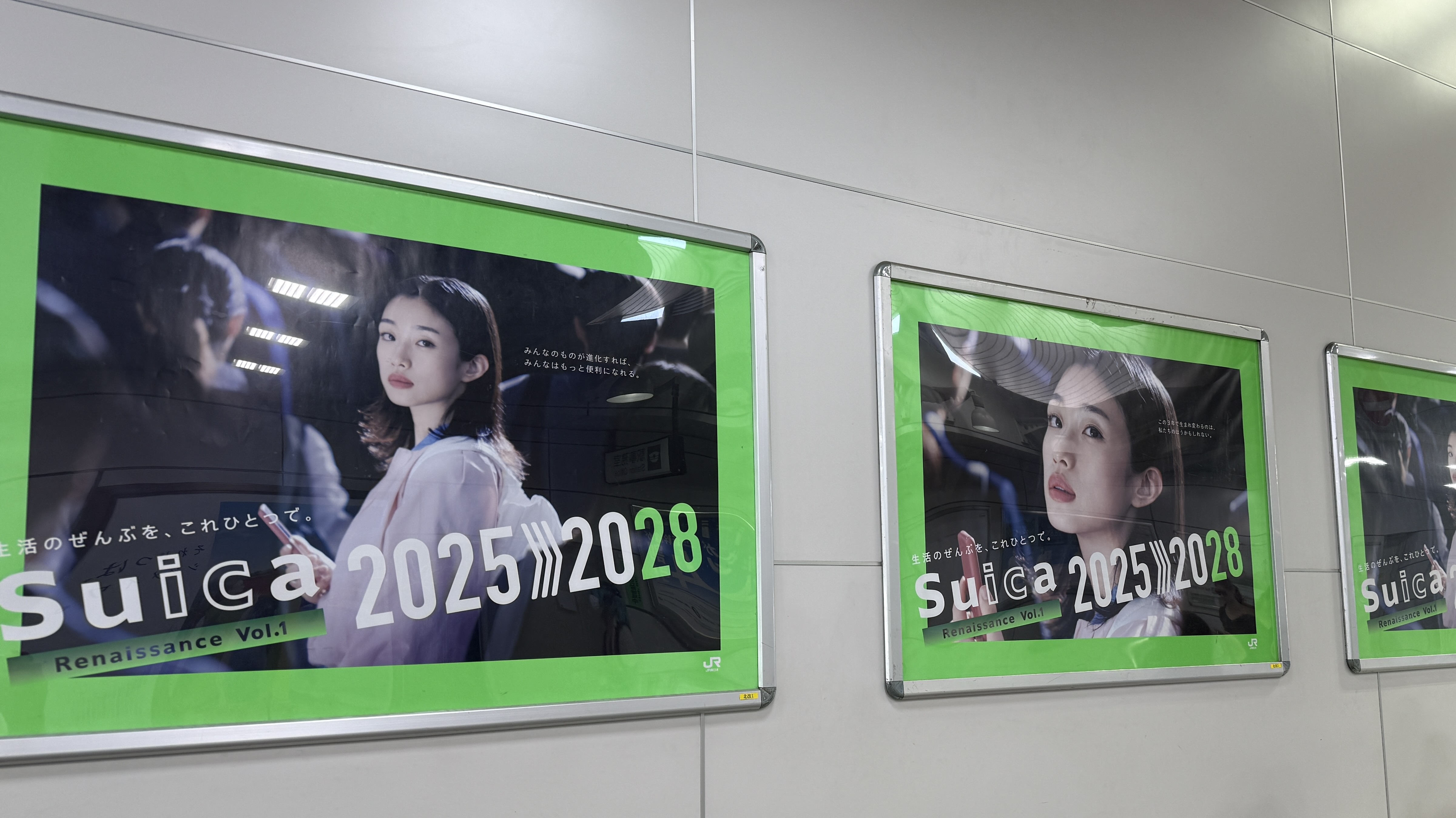
How to Use Suica/PASMO, IC Cards, and Mobile Wallets in Japan
Navigating Japan’s impressive public transportation system can feel a bit intimidating at first, but there is a secret weapon that makes it incredibly easy: IC Cards.
These rechargeable smart cards, primarily Suica and PASMO, allow you to tap your way through train gates, buses, and even pay for convenience store snacks without fumbling for change.
In this comprehensive guide, we’ll explain exactly how to choose, set up, and charge your IC card—whether physical or mobile. Let’s make your journey through Japan as smooth and stress-free as possible!
What are IC Cards and Why Do You Need One? 💳
IC cards are contactless, stored-value cards designed to simplify your travel and small daily purchases.
- Ultimate Convenience: With an IC card, there is no need to calculate fares or buy individual tickets for every ride. Just tap in and tap out.
- Nationwide Acceptance: These cards work across most major cities and rail networks in Japan.
- Beyond Transportation: You can use them for trains, subways, many buses, vending machines, coin lockers, convenience stores (konbini), and even some restaurants!
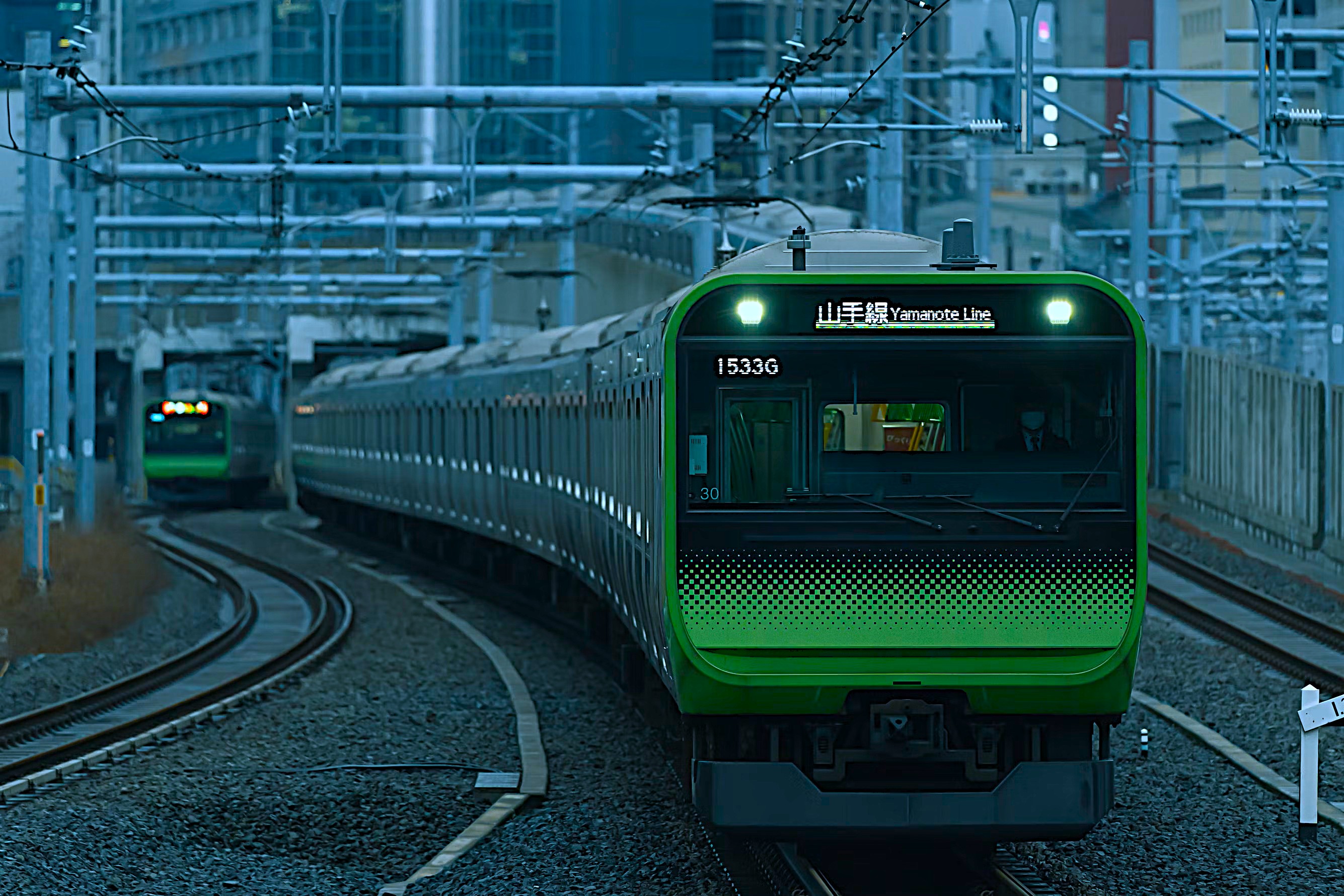
Suica vs. PASMO: Which Should You Get? 🚇
For the vast majority of visitors, Suica and PASMO are functionally identical.
- They both offer the exact same convenience and work seamlessly in Tokyo and most other regions across Japan.
- Simply choose whichever is easiest to obtain at your starting station. JR (Japan Railways) stations usually sell Suica, while non-JR subway and private railway stations sell PASMO.
- Note: Your balance and any auto-charge settings are tied exclusively to whichever specific card you choose.
Mobile Wallets: The Recommended Choice 📱
For modern travelers, Mobile IC cards are overwhelmingly the best option. Setting up a digital card on your phone means no physical plastic to lose, and you can easily recharge it anytime, anywhere.
For iPhone Users
You can add a new Suica or PASMO directly within your Apple Wallet—no physical card is required to start!
- Be sure to set your transit card as your “Express Transit” card. This allows you to tap your phone at the ticket gates even without waking the device or using Face ID/Touch ID.
For Android Users
You can add a Suica or PASMO in Google Wallet, provided you have an NFC-enabled device that supports Japan’s FeliCa standard (most modern global phones do, but checking beforehand is wise).
- Enable contactless payments and ensure it is set as your default transit card.
Benefits of Mobile Over Physical
- No upfront deposit required (physical cards require a 500 yen refundable deposit).
- Instant top-ups directly from your saved credit or debit cards.
- Effortless tracking of your balance and travel history within the app.
Pro Tip: If you already purchased a physical card, you can often transfer its balance into your smartphone via your Wallet app. Look for the “Add Existing Card” option. Keep in mind that this is a one-way transfer, and the physical card will no longer work.
Where to Buy a Physical Suica or PASMO 🏧
If you prefer a classic physical card, acquiring one is simple:
- Airports: Available at Haneda and Narita airport train stations, as well as major city hubs.
- Ticket Machines: Look for automated ticket machines with English language support, or visit staffed ticket counters.
- Cost: Expect an initial purchase of around 1,000 to 2,000 yen. This includes a 500 yen refundable deposit, with the remainder available immediately as your starting travel balance.
How to Charge (Top Up) Your IC Card 🔋
Running low on funds? Recharging is quick and easy.
- Ticket Machines: Use any machine labeled with the Suica/PASMO logo. Select the “Charge/Top-Up” option. Most machines accept cash (notes and coins), and some are beginning to accept credit cards.
- Convenience Stores: Simply ask the cashier to top up your card. Show them your card or phone and state the amount (e.g., “Charge, 1,000 yen, please”). You can hand them the cash directly.
- Mobile Wallet: The absolute easiest method! Just open your Apple or Google Wallet and add funds instantly using your linked payment method.
Using Your Card on Trains and Buses 🚆
- Trains and Subways: Firmly tap your card or phone against the glowing reader at the ticket gate both when entering and exiting. The exact fare is calculated and deducted automatically.
- Transfers: If you transfer lines within the station, you might pass through an intermediate gate—just tap again, the system will keep track of your journey.
- Buses: In most cities, tap the reader by the door when you board the bus. Some buses require you to tap again by the driver when exiting.
- Insufficient Balance: If you receive a red light and a beep when trying to exit a station, don’t panic! This just means your balance is too low. Look for the yellow Fare Adjustment (精算 seisan) machines near the exit gates to top up the exact remaining amount before passing through.
Where IC Cards Are Accepted Beyond Transit 🛍️
Your IC card is practically e-money in Japan. Look for the Suica or PASMO logos to use them at:
- Vending machines and automated coin lockers.
- Convenience stores (7-Eleven, FamilyMart, Lawson) and chain cafés.
- Some tourist attractions, museums, and casual dining spots.
National Interoperability 🔄
While Suica and PASMO are famous in Tokyo, your card will work in most major regions across Japan! It is fully compatible with networks like ICOCA (Osaka/Kyoto), TOICA, manaca, Kitaca, SUGOCA, nimoca, and Hayakaken. There are a few rural exceptions, but generally, one card will cover almost all your urban travel needs nationwide.
Important Limitations to Keep in Mind ⚠️
- Shinkansen (Bullet Trains): Standard IC cards do not cover Shinkansen base fares or seat fees by default. You will need to purchase separate paper tickets or use specialized booking apps.
- Limited-Express Services: Some premium or private express trains require a supplemental “seat fee” ticket in addition to your basic IC card tap.
- Rural Areas: Certain remote bus lines and smaller train stations still operate entirely on a cash-only basis.
Balances, Deposits, and Refunds 💰
- Checking Your Balance: You can see your remaining balance on the small digital display at the ticket gate right after you tap. You can also check it at any ticket machine or within your mobile wallet app.
- Refunding Physical Cards: You can return your physical card at the issuer’s staffed counters (e.g., a JR East office for Suica). You will receive your 500 yen deposit back, plus any remaining balance (minus a small handling fee).
- Refunding Mobile Cards: If you need to close a mobile card, follow the specific in-app instructions to empty the balance or delete the card.
Child Cards and Discounts 🧒
Traveling with kids? Special children’s IC cards are available that automatically apply a 50% discount on standard child fares. You must purchase these at staffed station counters, and you will need to present your child’s passport for age verification.
Lost Cards and Device Issues 🔐
- Physical Cards: If you registered your physical card with your name, you might be able to report it lost to the issuer and recover the balance. Unregistered cards, unfortunately, cannot be refunded if lost.
- Mobile Cards: The beauty of digital! If you lose your phone, you can use your Apple ID or Google account to remotely suspend the card. When you get a new device, you can simply restore the card and your balance seamlessly.
Specifics for Narita and Haneda Airports ✈️
- Both Tokyo airports offer abundant, easy-to-find locations to purchase or top up IC cards upon arrival.
- IC cards are perfect for taking standard airport access trains into the city. Just remember that premium express trains (like the Narita Express or Keisei Skyliner) require you to buy a separate supplementary ticket alongside your standard tap-in.
Your 5-Minute “First-Timer Setup” Guide ⏱️
Want the fastest route to getting started? Follow these four simple steps:
- Add a digital Suica or PASMO to your Apple/Google Wallet and set it as your Express or Default transit card.
- Top it up with around ¥2,000 to ¥3,000 right now using your saved credit card.
- When you arrive at a station, simply tap your phone on the gate reader to enter, and tap again at your destination to exit.
- Use that exact same digital card to quickly grab a drink from a vending machine or pay for snacks at the local convenience store.
Common Mistakes to Avoid ❌
- Forgetting to Tap Out: Always tap out at your destination. If you fail to do so, the card will lock, and you will need station staff to reset it (and potentially face maximum fare charges).
- Mixing Multiple Cards: Try to keep only one primary transit card active on your device to avoid confusing the NFC readers at the gate.
- Letting Your Phone Die: While Express Transit on iOS works for a little while after the battery dies, it’s risky! Carry a small power bank to ensure your mobile IC card is always ready when you need to exit a station.
- Assuming IC Cards Cover Everything: Always remember you need separate tickets for the Shinkansen and special reserved-seat express trains.
Related Guides 🔗
Ready to explore? Check out our other in-depth guides to make the most of your trip!
- Tokyo Areas: Shibuya, Ginza, Akihabara
- Viewpoints & Parks: Tokyo Tower, Shinjuku Gyoen
Using an IC card is unequivocally the single best upgrade you can make to your Japanese travel experience. Set it up once, keep it charged up, and enjoy tapping your way seamlessly around the country!